
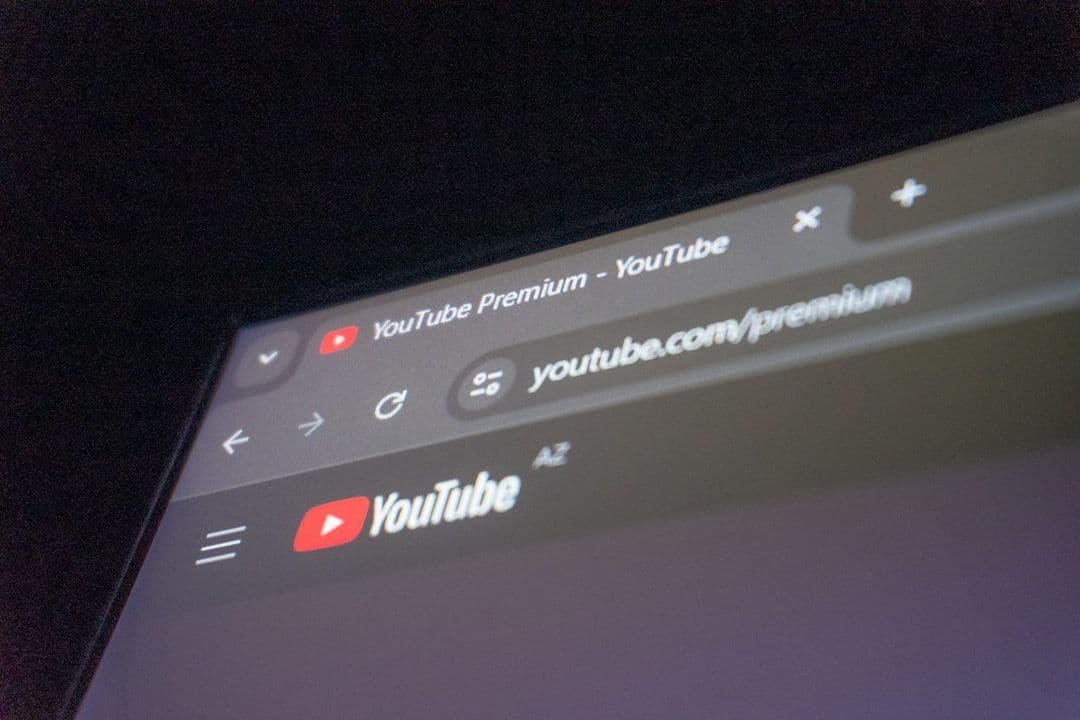
Google sparked a UX war when Chrome started hiding URL details. Users revolted. They wanted to see the full web address, not a simplified version. Google thought they were helping. Users disagreed.
The controversy revealed a fundamental truth about information design: hiding details doesn't always improve the user experience. Sometimes it destroys trust.
Your resume makes the same mistake. You hide information thinking it helps. It doesn't. It makes recruiters work harder and trust you less.
The Information Hierarchy Problem
Google misunderstood what users needed. They assumed people wanted simplicity over control. Users wanted both the clean interface and the ability to see details when needed.
Google's Approach vs User Needs
Do This
Avoid This
Show essential info clearly, reveal details on demand
Hide technical details to reduce cognitive load
Give users control over information depth
Assume users want the simplest possible view
Do This
Show essential info clearly, reveal details on demand
Avoid This
Hide technical details to reduce cognitive load
Do This
Give users control over information depth
Avoid This
Assume users want the simplest possible view
Contact Information Buried or Incomplete
You hide your phone number. Bury your email in tiny text. Leave off your LinkedIn. You think this looks 'cleaner.' Recruiters think you're making their job harder. They move on to someone who makes it easy.
Employment Gaps Disguised with Vague Dates
You write '2022-2024' instead of 'March 2022-January 2024.' You think this hides the gap. It doesn't. It highlights that you're trying to hide something. Recruiters notice. They always notice.
Skills Listed Without Context or Proof
You list 'Python' without showing where you used it. Add 'Project Management' with no examples. Include 'Leadership' but describe no teams. Skills without context are just keywords. Recruiters want evidence.
Each hidden detail is a missed opportunity to build credibility. Transparency doesn't mean showing everything. It means showing what matters clearly.
The Right Way to Show Information
Lead with the essential
Name, title, contact info at the top. Make it impossible to miss.
Use precise dates
Month and year for all positions. 'June 2022 - Present' not '2022-Present.'
Quantify your claims
Don't just list skills. Show results. 'Reduced processing time by 30%' beats 'Efficient worker.'
Address the gaps
Brief, honest explanation. 'Career break for family care' or 'Consulting work.' Don't hide it.
Resume Transparency in Action
Software Engineer 2020-2024 Skills: Python, JavaScript, React Improved system performance
Senior Software Engineer June 2020 - March 2024 Core Technologies: Python (Flask/Django), JavaScript (React/Node.js) Optimized database queries, reducing API response time by 40%
Information Audit Checklist
ATS software compounds the transparency problem. When you hide information from humans, you also hide it from the systems that score your resume.
- ATS Parsing
- How Applicant Tracking Systems read and score resume content. Clear formatting and complete information improve your ranking.
Strategic omission has its place. Not everything belongs on your resume. The key is choosing what to exclude based on relevance, not fear.
When to Include vs Exclude Information
Pros
- Relevant work experience from 10+ years ago if it's your only experience in a key skill
- Employment gaps with brief, professional explanations
- Contact information that makes you reachable
- Specific dates and quantified achievements
Cons
- Irrelevant jobs that don't support your target role
- Personal information like age, marital status, or photos
- Salary information or references
- Outdated technical skills you no longer use
Key Takeaways
- Transparency builds trust faster than perfection
- Hidden information creates more problems than it solves
- ATS systems reward clear, complete information
- Strategic omission is about relevance, not fear
- Make it easy for recruiters to say yes to you
Common Questions About Resume Transparency
Should I include employment gaps on my resume?
Yes, but address them briefly. 'Career break for family care' or 'Professional development period' is better than mysterious date gaps.
What if my email address looks unprofessional?
Create a professional email address with your name. Avoid addresses like '[email protected]' and use a clean format like '[email protected]'.
How specific should job dates be?
Month and year for all positions. 'January 2022 - March 2024' not '2022-2024.'
Can I omit jobs that don't fit my target role?
Yes, if they're truly irrelevant and you have enough other experience. But don't create unexplained gaps.